RightMatch AI is now a ChatGPT plugin: screen and interview candidates from a chat

Scott Poniewaz
November 20, 2026 · 4 min read
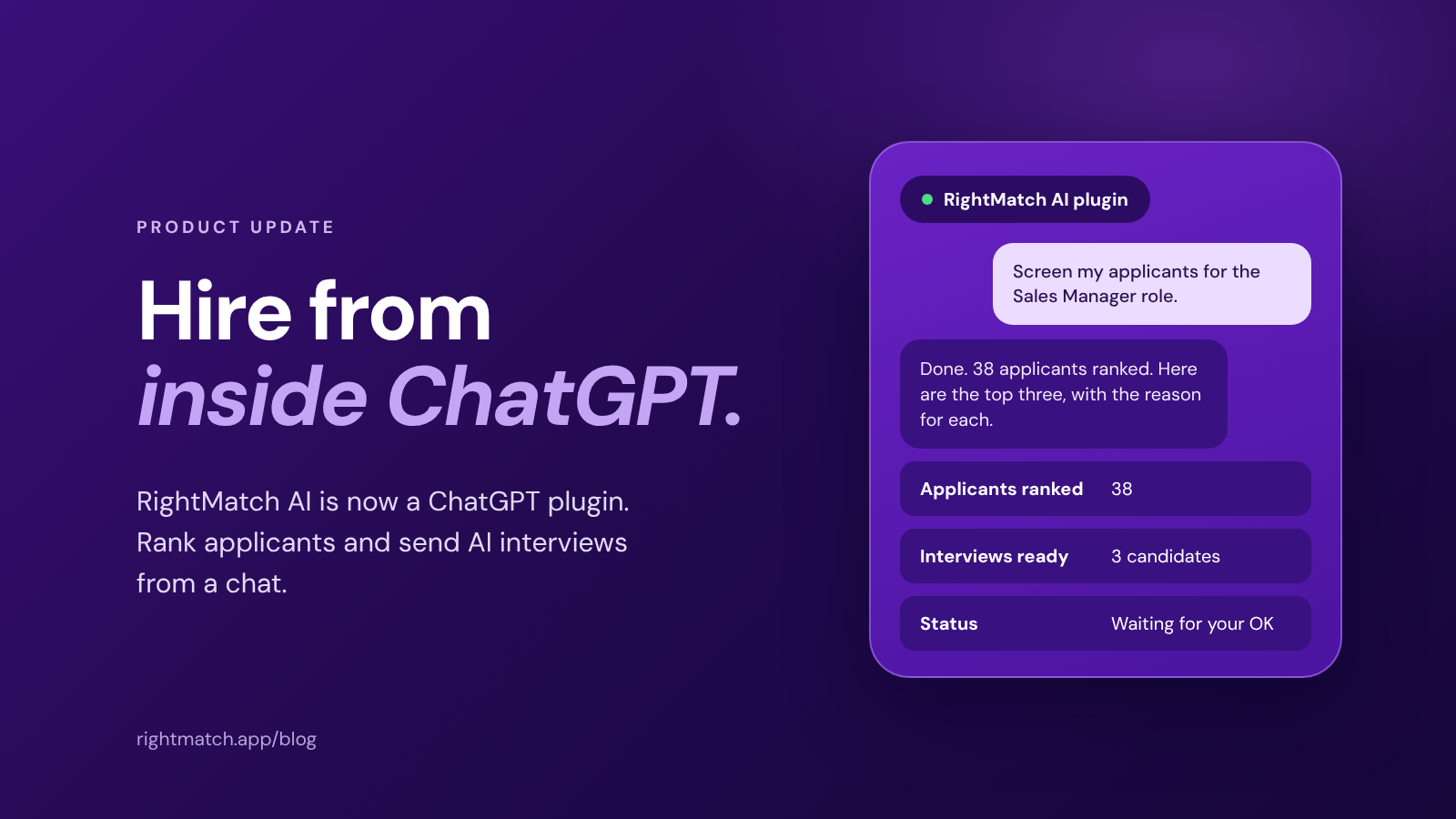
RightMatch AI is a plugin in the ChatGPT plugin directory, live since November 16, 2026. Install it, sign in with your RightMatch account, and ask ChatGPT to rank a job’s applicants, build and send AI video interviews, and tell you who to talk to first. Nothing reaches a candidate until you confirm it.
What is the RightMatch AI plugin for ChatGPT?
It connects ChatGPT to your RightMatch workspace. RightMatch runs AI video interviews and ranks applicants; the plugin lets you do that work from a ChatGPT conversation instead of a separate tab.
Behind it is the same RightMatch server that powers the Claude connector. It has screened 1,000,000+ candidates and run 10,000+ AI interviews, and it syncs with 27 applicant tracking systems.
How do I install RightMatch AI in ChatGPT?
- Open RightMatch AI in the ChatGPT plugin directory.
- Install the plugin.
- Sign in to RightMatch when ChatGPT asks, and approve access.
- Start a new chat and ask for your candidates.
There is no API key, no server URL and no Developer mode. Full steps and starter prompts are on rightmatch.app/chatgpt. Using Claude instead? See rightmatch.app/claude.
What can I ask ChatGPT to do with RightMatch?
- Rank a job’s applicants. “Screen my applicants for [role]” returns them ranked the way the job’s page in RightMatch ranks them.
- Post a job. ChatGPT writes the description and saves it as a RightMatch job with its own apply link.
- Build an interview. “Build an interview from this job post” drafts an AI video interview, or a Mira Live interview, and shows you a preview in the chat.
- Send interviews. Invite up to 50 candidates at once by email, plus a text when you include a phone number.
- Read results. “Who finished their interview and who should I talk to first?” returns AI summaries, per-skill assessments and integrity flags for cheating and AI use.
- Move your pipeline. Move stages, tag, rate and reject candidates. Stage moves and rejections reach your ATS.
The full list of tools is on MCP for LLMs.
What does it cost?
The plugin is included on every RightMatch plan, including free Starter. Interviews and other actions you take from ChatGPT use your plan’s credits, the same as in the RightMatch app. Interviews use credits when the candidate completes them, not when they are sent. On Starter, resume scoring is free for up to 200 resumes on your first job posting, so your credits go to interviews.
Is candidate data safe?
RightMatch is SOC 2 Type II (trust.rightmatch.app). The plugin signs in with your own RightMatch account through OAuth, and every request is checked against your current RightMatch role. Each tool returns only the fields it needs. Interview videos are never sent to ChatGPT, and a resume you have not unlocked does not return its full text. We never train on customer data.
Frequently asked questions
What is the RightMatch AI plugin for ChatGPT?
It is a plugin in the ChatGPT plugin directory that connects ChatGPT to RightMatch, so a recruiter can rank applicants, send AI video interviews and read interview results from a chat.
How do I install RightMatch AI in ChatGPT?
Open RightMatch AI in the ChatGPT plugin directory, install it, sign in with your RightMatch account and approve access. No API key, server URL or Developer mode is needed.
Does RightMatch AI send interviews without asking me?
No. ChatGPT shows you the interview and its questions first, and nothing goes to a candidate until you confirm.
Which RightMatch plans include the ChatGPT plugin?
Every plan, including free Starter. Actions use your plan’s credits, the same as in the RightMatch app.
Does it work with my applicant tracking system?
Yes. RightMatch integrates with 27 applicant tracking systems, and stage moves and rejections you make from ChatGPT reach your ATS.
Try it: install RightMatch AI in ChatGPT or see setup steps.