How to Detect Deepfake Candidates in Video Interviews (2026 Guide)

Scott Poniewaz
November 23, 2026 · 8 min read
Updated November 23, 2026
To detect a deepfake candidate, combine three things: a few quick live checks during the video interview, a look at patterns across your applicants (reused phone numbers and emails, clusters of odd interviews on one job), and identity verification that happens early, before anyone spends time on a final-round conversation. No single visual tell is reliable on its own, so your process matters more than a sharp eye.
Want to see how this works in a real interview workflow? Book a demo and we will walk you through it.
What a deepfake candidate actually is
A deepfake candidate is someone who uses AI tools to change how they look or sound on camera, so the person you interview is not the person who would show up for work. That can mean a real-time face swap, a cloned or synthetic voice, or a pre-recorded video played back through a virtual camera.
It sits on a spectrum. At one end is an applicant who lets AI polish a resume. At the other end are stolen identities, swapped interviewees, and organized operations that place fake workers inside remote teams. Our 2026 Candidate Fraud Report breaks this into five types if you want the full picture.
Why this is landing on your desk now
Remote hiring and cheap AI tools made this easy to try. A few numbers worth knowing, all from the fraud report:
- 31% of U.S. hiring managers say they have interviewed someone using a fake identity (Checkr, September 2025).
- 1 in 4 candidate profiles worldwide are predicted to be fake by 2028 (Gartner, July 2025).
- 320+ companies have been infiltrated by North Korea-linked operatives posing as remote workers (CrowdStrike, August 2025).
Treat the outside numbers as directional. Our own data points the same way. In our sample of RightMatch first-round interviews, 1 in 21 (21 of 438) raised an integrity flag after our June 2026 detection upgrade. 86% of those flags came in clusters on the same job, and 6 of the 14 employer accounts in the sample had at least one flagged interview. A flag is a signal for a person to review, not confirmed fraud.
The takeaway from that clustering: when you see one odd interview on a role, look harder at the rest of that pipeline.
Warning signs to watch for in a video interview
None of these prove anything alone. Two or three together are worth a closer look.
On video
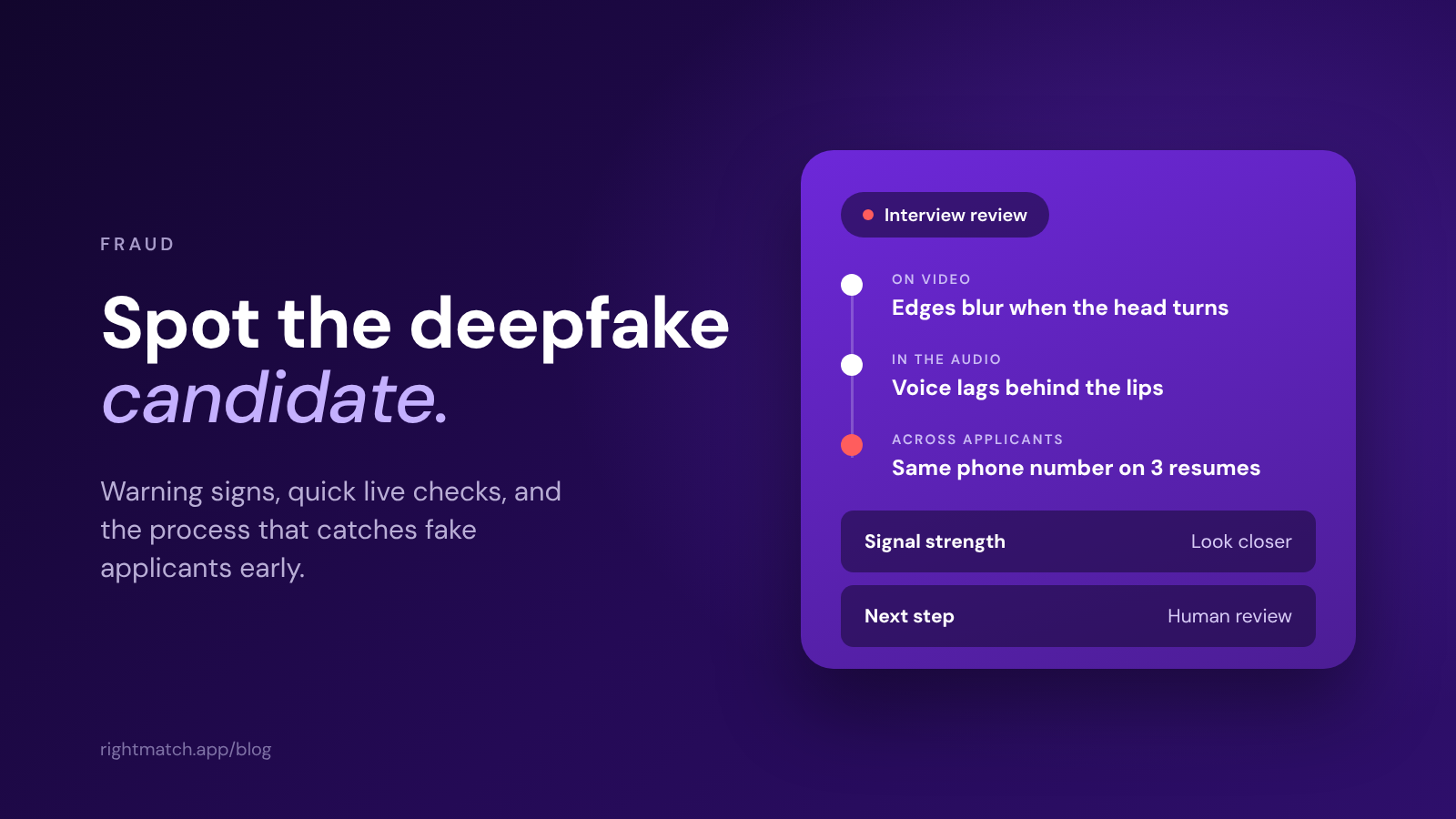
- Blurring, flickering, or warping around the hairline, jaw, ears, or glasses, especially when the person moves.
- Lip movement that is slightly off from the audio.
- Lighting on the face that does not match the room, or skin that looks unusually smooth and still.
- Glitches when the head turns sharply or a hand passes in front of the face.
- A background that loops, freezes, or shifts oddly.
In the audio
- A flat or oddly even tone, with little natural variation in pace.
- Consistent delays before every answer, beyond ordinary connection lag.
- Voice quality that changes mid-answer, or background noise that cuts in and out.
In the conversation
- Polished answers that fall apart on a simple follow-up about their own resume.
- Resistance to small, reasonable requests, like adjusting the camera or turning their head.
- Answers that sound read rather than remembered.
- Details that do not line up with their resume, LinkedIn profile, or earlier screening answers.
Quick live checks you can run
These work best when you do them for every candidate, as a normal part of your interview, not only for people who seem suspicious. Face-swap tools often struggle when something blocks the face or the angle gets extreme, but the tools keep improving, so do not lean on any one check.
| Check | How to ask it | What may show up |
|---|---|---|
| Profile turn | “Could you turn your head slowly to the left, then the right?” | Warping, lag, or a face that stays flat as the head turns |
| Hand over face | “Could you wave your hand slowly in front of your face?” | The overlay breaking, flickering, or smearing around the hand |
| Unscripted follow-up | Ask about a specific project or date from their resume, then ask why they made a particular choice | Long pauses, vague answers, or details that contradict the resume |
| Environment | “Can you tilt your camera so I can see the room around you?” | Lighting or shadows that do not match, or an unwillingness to show the space |
| Live conversation | Interrupt politely and change the subject mid-answer | A prepared script, or responses that lag every time |
Look beyond the single interview
The strongest signals often show up across candidates, not inside one call. Teams that catch this early tend to check for:
- Reused phone numbers or email addresses across applicants, which is also a step the FBI recommends.
- Several applicants for one role with similar resumes, similar phrasing, or similar-sounding voices.
- A cluster of flagged or odd interviews on the same job. In our data, that was the norm, not the exception.
- Location, time zone, or work history details that do not hold together once you compare them.
Build verification into the process
- Screen at the first interview, not after the offer. The earlier you catch it, the less time everyone wastes.
- Verify identity before the final round. Match the person on camera to a government ID through a process your legal team has approved, and run it the same way for every candidate.
- Use a mix of formats. A recorded async interview gives you something to review and compare. A short live follow-up lets you test consistency in real time.
- Cross-check contact details. Look for reused phone numbers, emails, and profiles.
- Tighten verification on any role that shows a cluster. One flagged interview is a reason to look at the whole pipeline for that job.
- Keep a person in the loop. Use tools to raise a flag, then have a recruiter or hiring manager review it before any decision is made.
Keep it fair
Some of these warning signs also show up for honest reasons. A weak connection can cause lag and blur. Virtual backgrounds are common. Some people use assistive tools or have speech patterns that sound unusual to you. So treat a warning sign as a reason to look closer, not as a verdict. Apply the same checks to every candidate, write down what you saw, and give people a normal way to clear things up, like a quick follow-up call. If you hire in places with rules on automated tools or identity checks, check with your legal team on how to run verification.
How RightMatch helps
Every completed RightMatch interview gets a Trust Score. It is designed to catch AI-generated voices, duplicate identities, and camera-replay attacks, and it flags anything suspicious for your team to review before anyone spends time on a live interview. RightMatch always keeps a human in the loop, so a flag is a prompt for a person to look, not an automatic rejection.
RightMatch is SOC 2 Type II audited and connects to 27 ATS integrations, so the flags show up where your team already works. You can read more on the fraud detection page.
Frequently asked questions
What is a deepfake candidate?
A deepfake candidate is a job applicant who uses AI-generated or AI-altered video or audio, such as a face swap or a cloned voice, so that the person in the interview is not the person who would actually do the job.
Can you spot a deepfake candidate by eye?
Sometimes, but not reliably. Visual glitches can be a clue, and quick live checks like a head turn or a hand in front of the face can help. As the tools improve, those tells fade. That is why identity verification and pattern checks across applicants matter more.
What should I do if I think a candidate is using a deepfake?
Do not accuse anyone on the spot. Finish the interview politely, write down what you noticed, and bring in a second reviewer. Then ask for a follow-up conversation or an identity check that you run the same way for all candidates. Involve HR or legal if you need to.
Does a flag mean the candidate is a fraud?
No. A flag is a signal that a person should take a closer look. Poor connections, unusual setups, and accessibility tools can all look odd. The final call should always be made by a person.
How does RightMatch detect candidate fraud?
RightMatch gives every completed interview a Trust Score designed to catch AI-generated voices, duplicate identities, and camera-replay attacks, then flags suspicious interviews for your team to review.
Where can I read the data behind this?
Our free 12-page 2026 Candidate Fraud Report covers what we saw in RightMatch interview data, what recent federal cases show, and an eight-step playbook to stop fake candidates early.
Next step
The best time to catch a fake candidate is before you meet them. Download the free 2026 Candidate Fraud Report for the full data and playbook, or book a demo to see Trust Score on a real interview.